Breaking Out of Spreadsheets: When Your Business Needs a Database
Spreadsheets are great for calculations, but once they become client lists, inventory trackers, membership systems, and reporting tools, it may be time for a database.
- spreadsheets
- databases
- workflow automation
- custom business systems
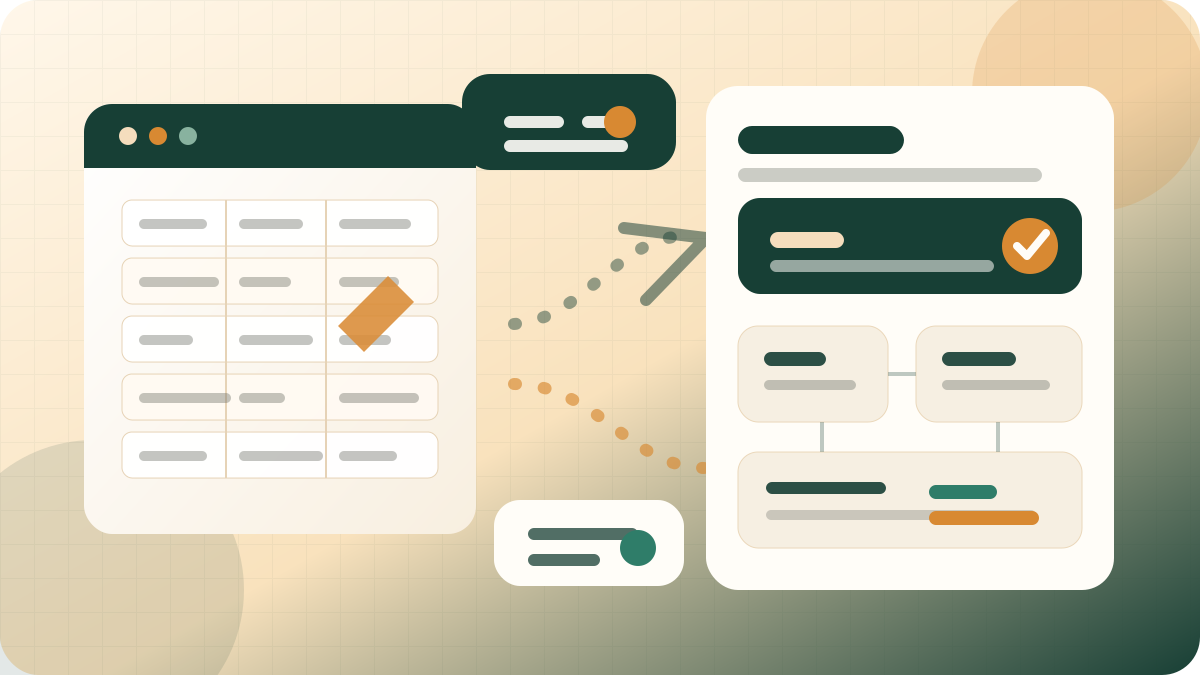
Quick take
Spreadsheets are great for calculations, but once they become client lists, inventory trackers, membership systems, and reporting tools, it may be time for a database.
Spreadsheets are one of the best business tools ever created. They are fast, flexible, familiar, and excellent for calculations. But many businesses eventually ask spreadsheets to do a job they were never meant to do: act like a database.
That is usually where the trouble starts.
Spreadsheets are great for calculations. They are not great for repetitive data management.
A spreadsheet is a good place to model a budget, compare numbers, calculate totals, or explore a quick idea. It is not always the best place to manage clients, memberships, inventory, events, orders, staff tasks, or ongoing operational records.
Once your spreadsheet becomes the place where everyone enters the same kind of information over and over, you are no longer just using a spreadsheet. You are trying to run a database without the structure, safeguards, or workflow a database provides.
Google Forms are useful for collecting information, not endlessly re-entering it.
Google Forms can be a great front door. They make it easy to collect inquiries, event submissions, survey responses, applications, or requests.
But a form should not become the whole workflow. If every form response has to be copied into another sheet, pasted into a client list, linked to a tracking spreadsheet, and manually summarized for reporting, the business is still doing too much repetitive work.
Forms are best when they feed a structured system. The form collects the information once. The system organizes it, connects it to the right record, and makes it easier to search, report, update, and act on later.
The hidden cost of endless copy-paste work
Copying and pasting feels harmless because each individual step is small. But across a week, month, or year, those small steps become real operational drag.
- Client names get entered in multiple places.
- One spreadsheet has the new phone number while another has the old one.
- Reports take hours because the data has to be cleaned first.
- Staff members ask for updates because nobody knows which sheet is current.
- Important details live in notes, inboxes, tabs, and memory instead of one reliable record.
That is not a people problem. It is a workflow problem.
Why customize another sheet when the real need is a custom data system?
Many businesses respond to spreadsheet pain by making the spreadsheet more complicated: more tabs, more formulas, more color coding, more linked sheets, more conditional formatting, more scripts.
Sometimes that is enough. But often it is a sign that the business has outgrown the tool.
A custom database or internal business system gives your information a clearer structure. Instead of every tab trying to represent a different part of the business, the system can understand the actual records you work with: clients, contacts, memberships, products, events, tasks, orders, submissions, invoices, notes, documents, and status updates.
What gets better when you move from spreadsheets to a database?
The goal is not to make things more technical. The goal is to make everyday work simpler and more reliable.
- One source of truth: the client record, product record, event record, or member record lives in one place.
- Less duplicate entry: information collected once can be reused across reports, dashboards, forms, and workflows.
- Cleaner reporting: reports come from structured data instead of hours of manual cleanup.
- Better permissions: staff can see and update what they need without exposing everything.
- More useful automation: reminders, status changes, summaries, and notifications can happen from real business data.
- Room to grow: new workflows can be added without rebuilding the whole process from scratch.
Spreadsheets still have a place
Moving beyond spreadsheets does not mean abandoning them entirely. Spreadsheets are still useful for calculations, exports, financial modeling, quick analysis, and one-time planning.
The shift is about using the right tool for the right job.
Use spreadsheets for calculation and exploration. Use databases and custom systems for ongoing data management, repeated workflows, and operational records your team depends on.
A practical first step: audit the workflow
You do not have to replace everything at once. The best starting point is usually the manual task that wastes the most time or causes the most confusion.
Look for the process where your team keeps copying, pasting, linking, reconciling, checking, or asking, “Which version is right?”
That is often the workflow most ready for a better system.
At 1LPro, we help businesses map those messy processes and decide what should stay in a spreadsheet, what should become a database, and what can be automated. The result is practical technology that adapts to the way the business works — not the other way around.